

Every TisBest Charity Gift Card purchase includes the option to Download All Cards at any time, regardless of whether they were purchased as Printer, Digital, or Plastic gifts. You can print your gifts on letter-sized paper or save them as a PDF file you can send digitally.
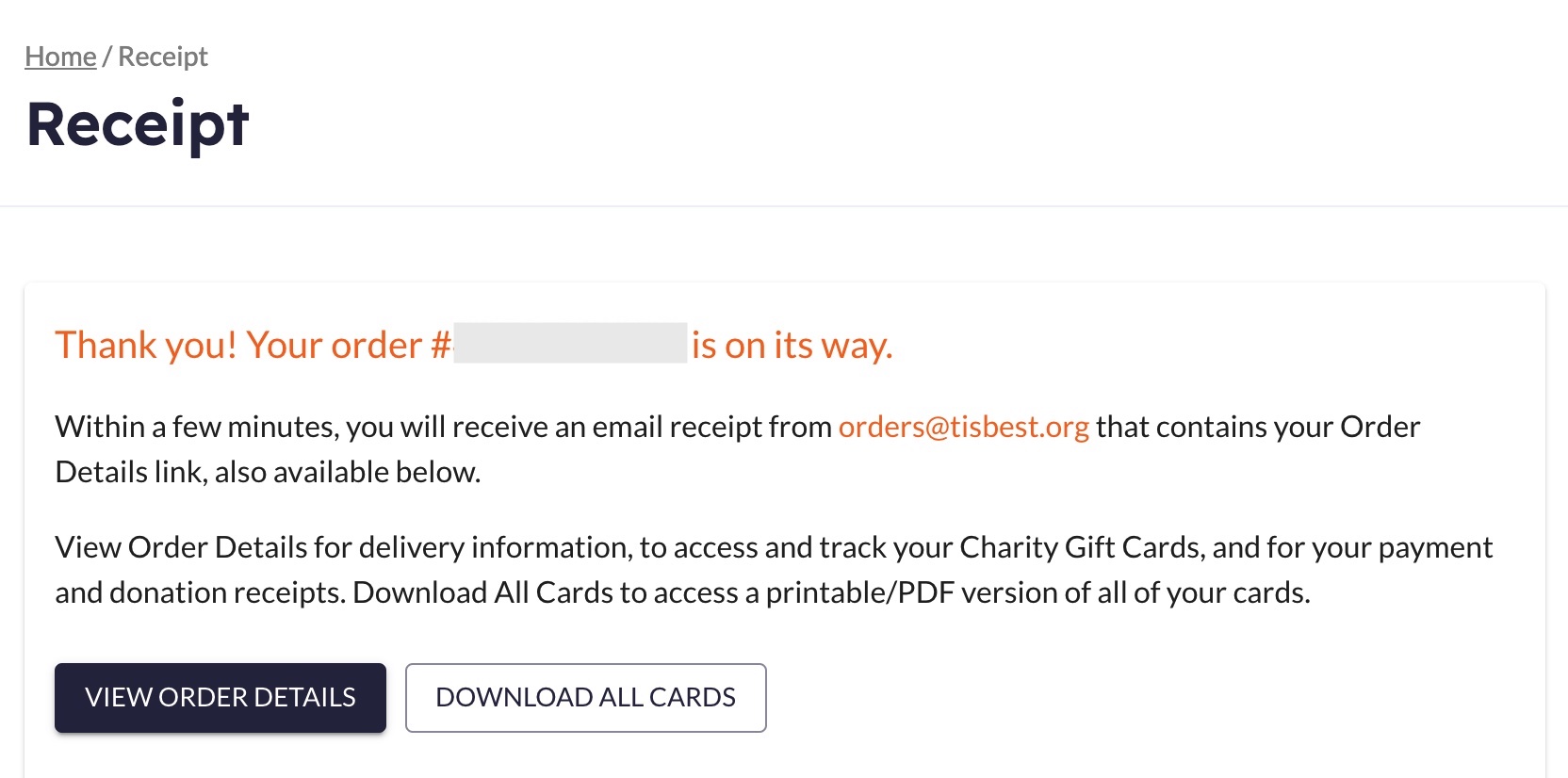
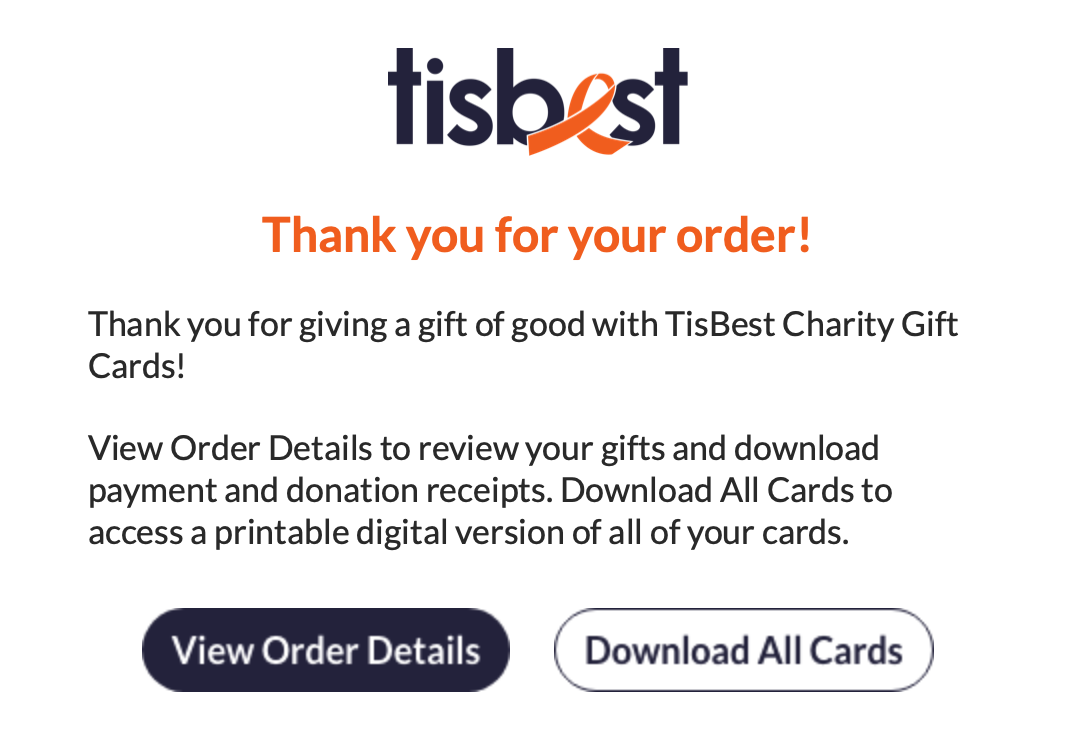
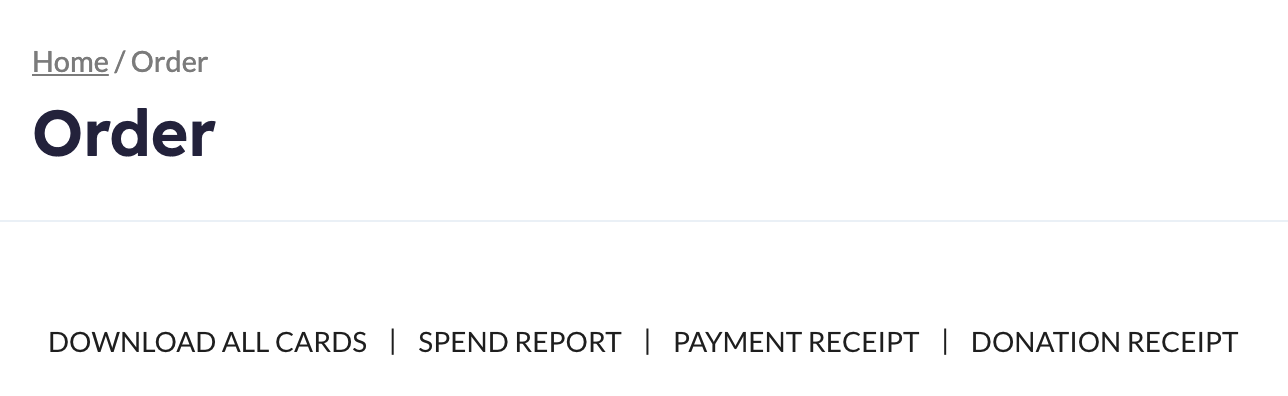
Access your Download All Cards link three main ways: via your receipt page right after checkout is completed, the order confirmation email that is sent right after checkout, and on your order details page.
Receipt Page Example
Confirmation Email Example
Order Details Example
Select the Download All Cards link to open a new tab in your browser, which will look something like this:
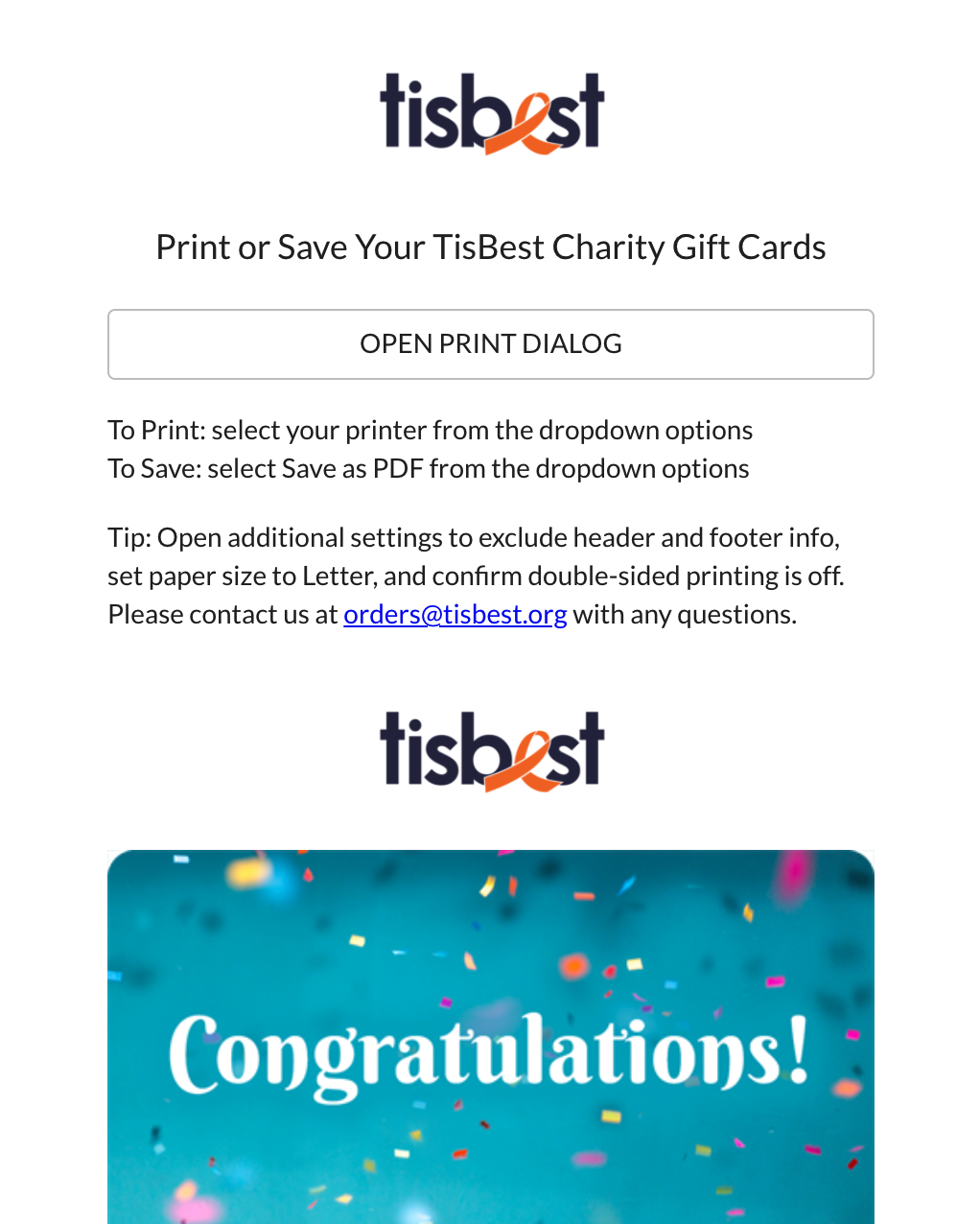
Select the Open Print Dialog button towards the top to view the print dialog options on your browser.
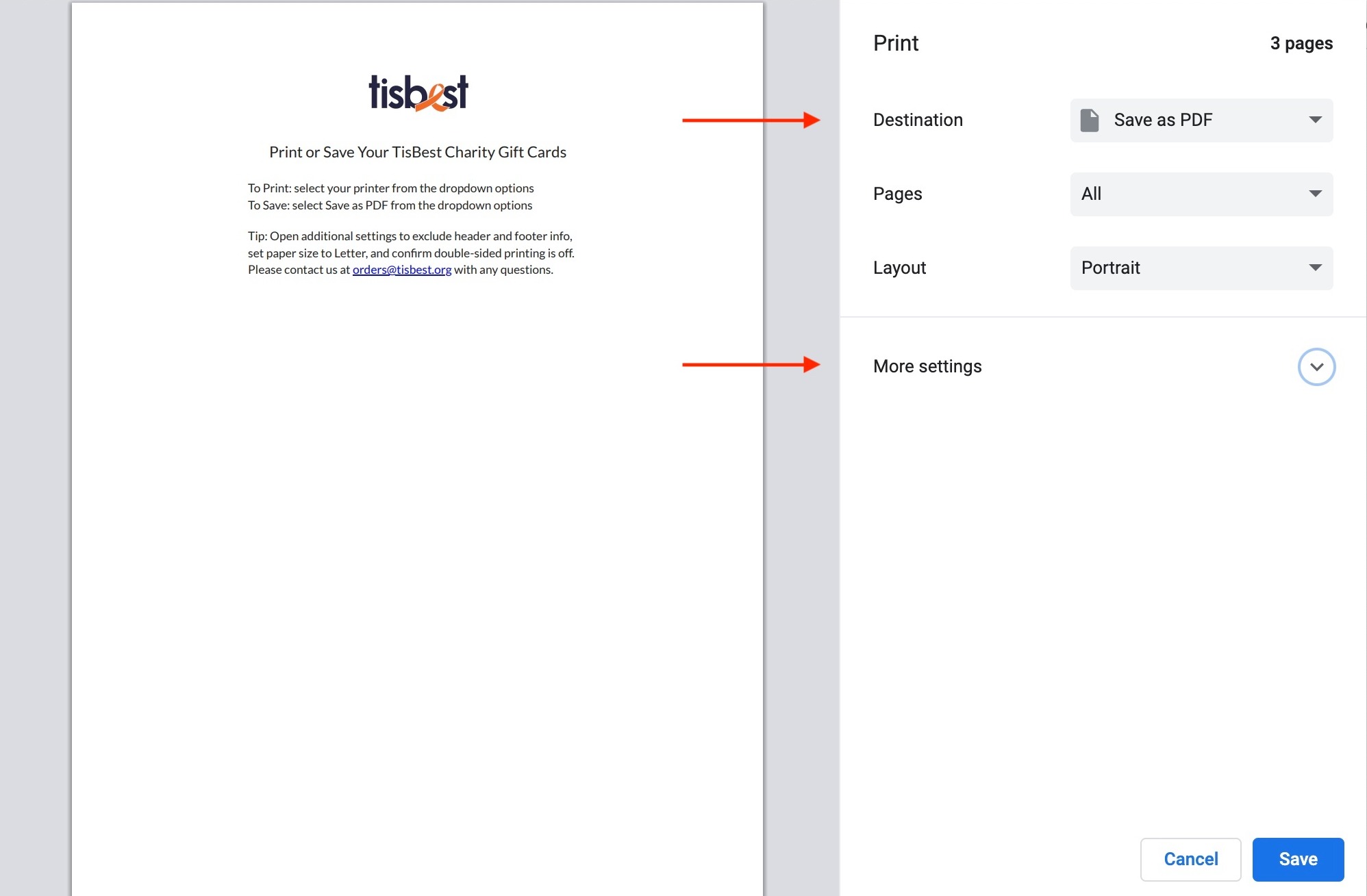
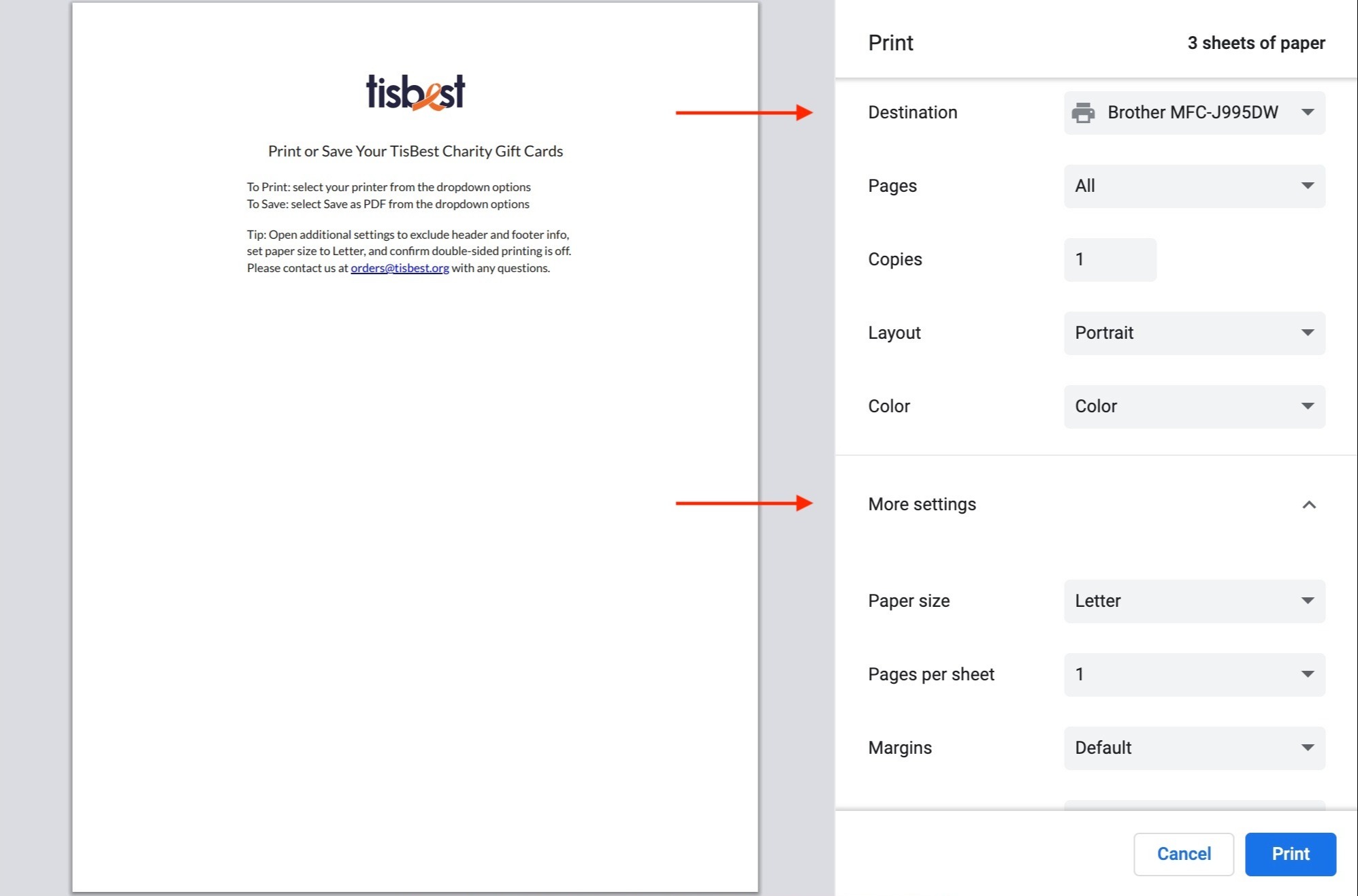
In the Chrome print dialog box select the Destination dropdown to either Save as PDF or to select your printer. Select the More Settings button to the right to access and adjust paper size, two-sided printing, header & footer settings, and more.
Print or Save via Chrome Browser
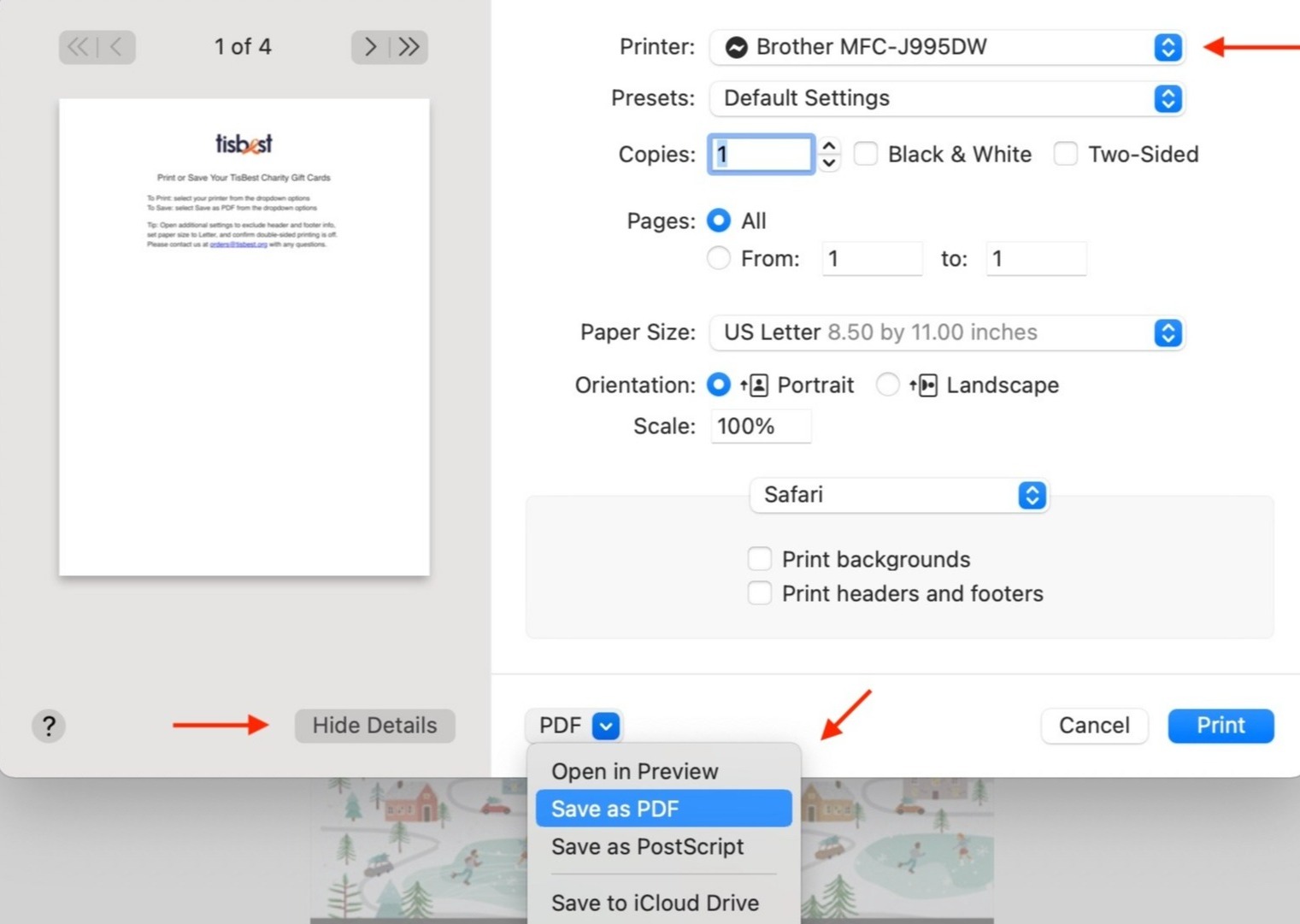
In Safari use the dropdown at the top of the print dialog box to select your printer, or use the dropdown towards the bottom to select Save as PDF. Select the Show Details button to adjust paper size, two-sided printing, header & footer settings, and more. (After you select "Show Details" the button text changes to "Hide Details".)
Print or Save via Safari Browser
If you would like assistance accessing, printing, or saving your gifts as PDFs please contact us at orders@tisbest.org and we're happy to help!